
How it works
From signup to a live salon floor
Watch the walkthrough in English or Urdu — or follow the written tutorial below. Then open bookings, salon POS, team ops, and Marketplace from one Beautora workspace. Built by SyncOps.
How it works
Watch Beautora go live.
Pick a language walkthrough — or follow the written tutorial step by step.
01
Open your store
Create your Beautora account, name your salon, and invite owners or managers.
02
Set the floor
Add services, products, chairs, staff, schedules, booking rules — and Marketplace listings when you sell online.
03
Run every day
Manage bookings, walk-ins, salon POS, staff, customers, Marketplace orders, WhatsApp, and reports from one workspace.
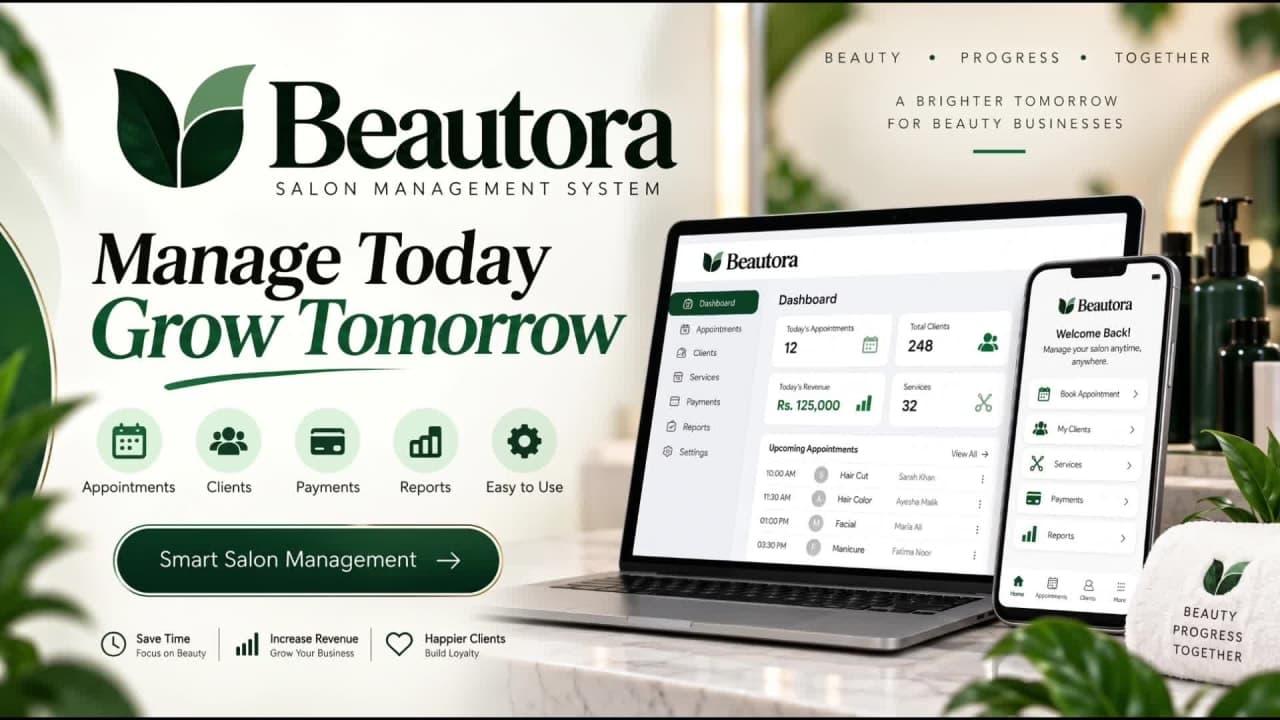
0:00 / 0:00
English walkthrough — press play when you are ready. More languages can be added anytime.
Same product you just learned — live on the web today.
Why salons choose Beautora
Serious software. Straightforward plans.
Everything below is how Beautora actually works — not invented social proof.
Free trial to start
Full platform from day one. No card required to start.
One login
Bookings, POS, staff, customers, and reports stay connected.
Clear per-store plans
Regional USDT billing after trial — see Pricing for current rates.
Built for salon operations
Queue, chairs, attendance, and WhatsApp — not a generic CRM.
Ready to run your salon on Beautora?
Start with the full platform on a free trial. Plans and regional USDT rates live on Pricing — one place, no surprises.